Taking bookings today  ·  Colombo & suburbs
Colombo & suburbs  /  seven days  /  we come to you

Your computer never Leaves the room

Deep cleaning, thermal repasting, upgrades and repairs — done on your desk, at home or at the office, while you watch. Most machines are back to full speed inside ninety minutes.

Replies in about 10 minutes  ·  or see what we do

0min
Average visit
0+
Machines done
4.9★
Rating
0day
Warranty
94°C
Before · 3 yrs of dust
ThrottlingReal job · 11 NovFull clocks
0°C
After · 90 minutes
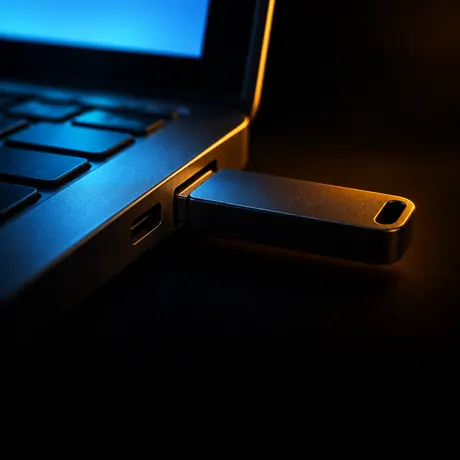
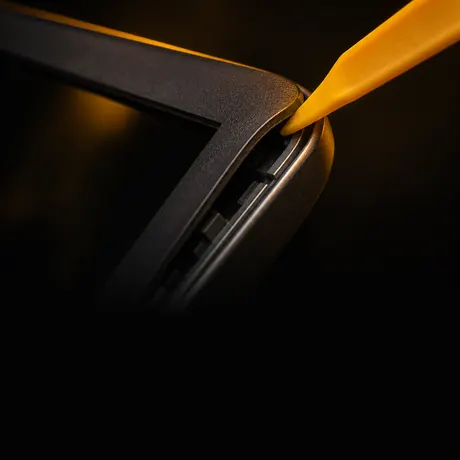
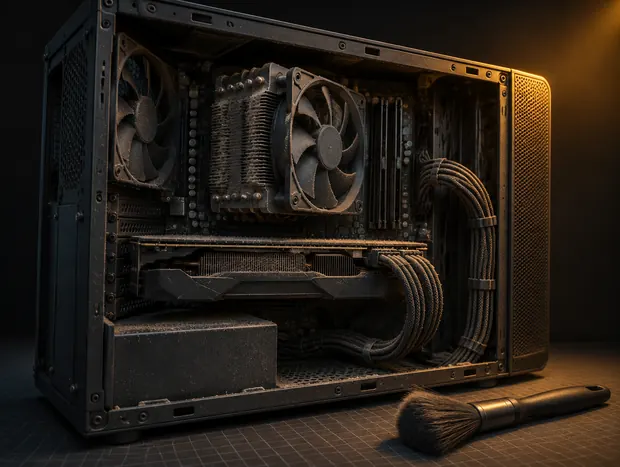
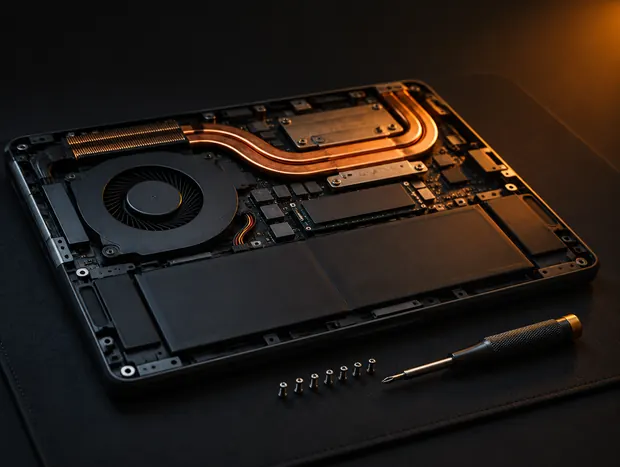
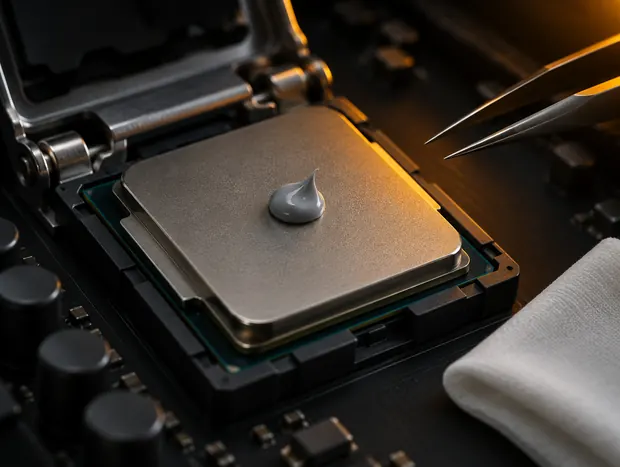
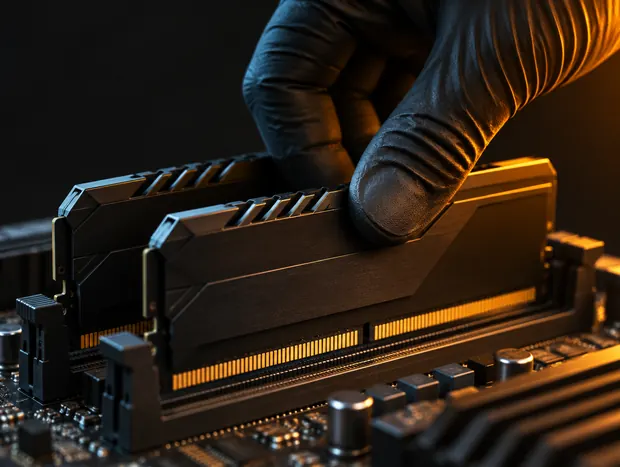
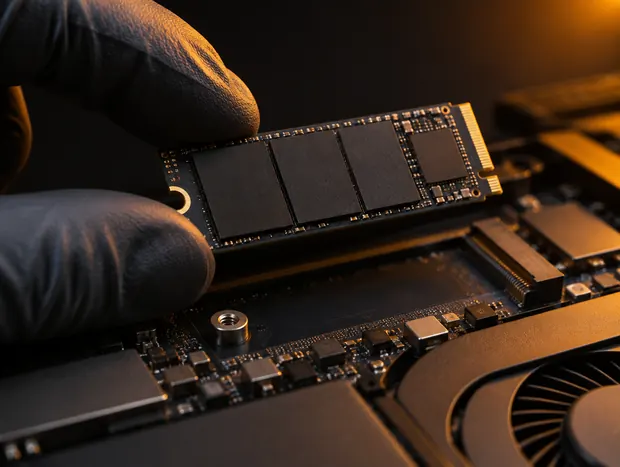
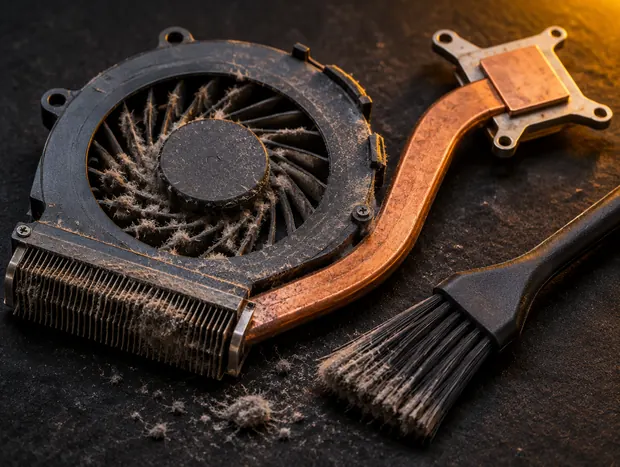
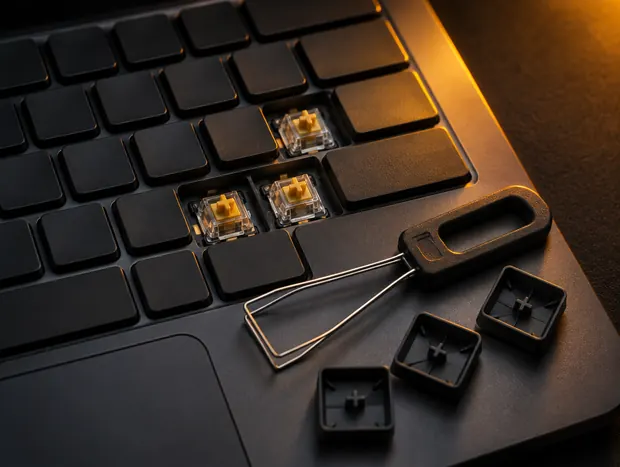
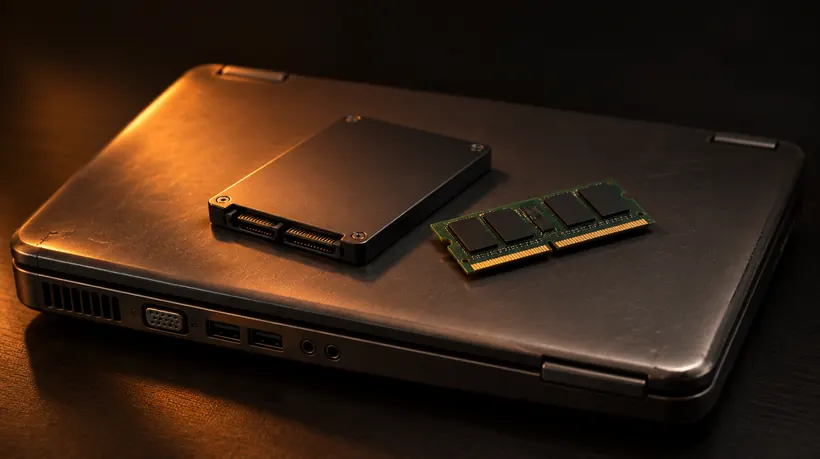
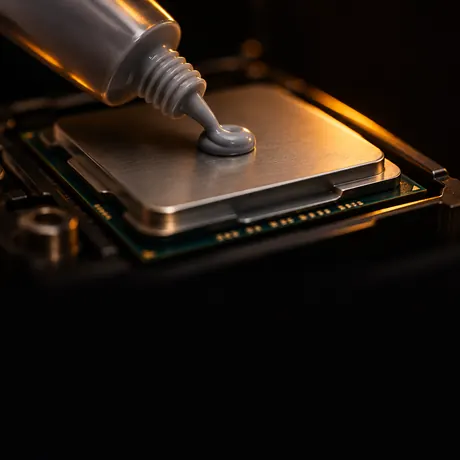
Dust-clogged computer fan grille 01 / DustDeep clean Fresh thermal paste applied to a processor 02 / CoolingRepaste Memory modules and a solid state drive laid out 03 / PartsUpgrades Performance graph on a laptop screen 04 / HealthDiagnostics USB drive plugged into a laptop 05 / SoftwareVirus & OS Laptop screen bezel being opened with a tool 06 / HardwareKeys & screens
18:02
EasyfixONLINE
Tower sounds like a jet and games stutter after 10 min. Rajagiriya.17:58
Photo of the computer sent by the customer 17:58
Classic dust clog. Full strip-down and repaste — about 90 minutes on your desk.18:01
We can be there today, 6–8pm. Call-out is free in Colombo District.18:01
6pm works 👍18:02
Booked. You'll get a text when the technician leaves.18:02
Type above — it opens WhatsApp with your message
The visit  /  03

Book it in a minute, done by teatime

Same-day slots8AM — 8PM, 7 DAYS
90-day warrantyON LABOUR & PARTS
We travelCOLOMBO DISTRICT FREE
  1. Tell us the symptomsLoud? Hot? Slow? Send a voice note or a photo of the machine. We quote a flat price the same hour.
  2. Pick a time slotTwo-hour windows, including evenings and Sundays. You get a text when the technician leaves.
  3. We arrive kittedMat, blower, vacuum, paste, pads, tools, spare screws. Your desk is cleaner when we leave than when we came.
  4. Pay once it's coolWe run a load test in front of you and show you the before/after temperatures. Cash, card or bank transfer.
Pick a level  /  04

One visit, one pricePackages

All four include the call-out, a health report and a 90-day warranty on our work. We quote your machine before the visit is booked.

Refresh

A quick breath of air for a machine that's only starting to slow.
45min
On site · one visit
  • External + vent blow-out
  • Fan clean, no disassembly
  • Startup & bloatware trim
  • Cable tidy
  • Temperature report
Get a quote

Repair+

Something is actually broken. We diagnose and fix it on the spot.
2–3hrs
On site · diagnosis first
  • Everything in Deep clean
  • Full hardware diagnostics
  • Component replacement labour
  • Windows repair or reinstall
  • Data kept safe, nothing wiped
  • Parts at cost, receipt shown
Get a quote

Office

Fleets, labs and studios. We come after hours so nobody stops working.
10+seats
Scheduled · after hours
  • Scheduled quarterly visits
  • After-hours & weekend work
  • Asset sheet with temps per seat
  • Priority callback within 24h
  • One invoice, proper VAT receipt
Request a quote
Measured, not promised  /  05

Ninety minutes. Thirty-three
degrees cooler.

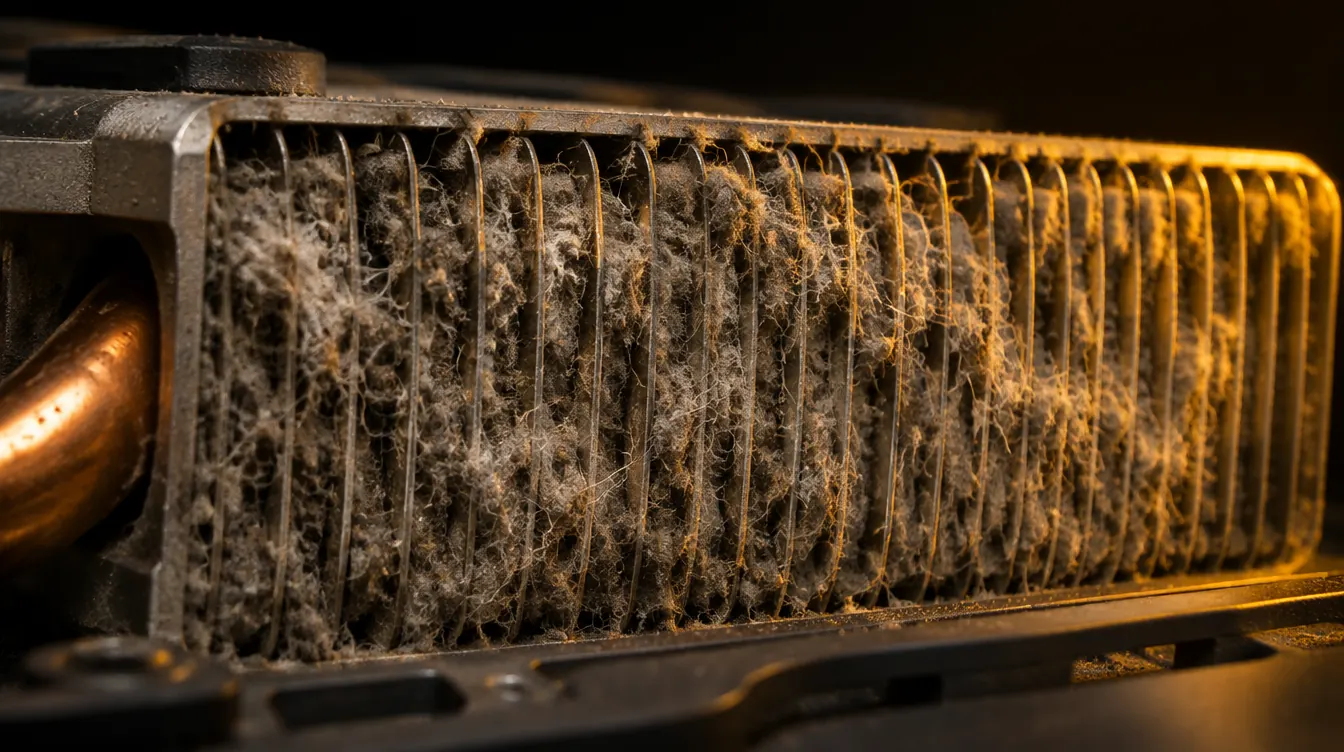
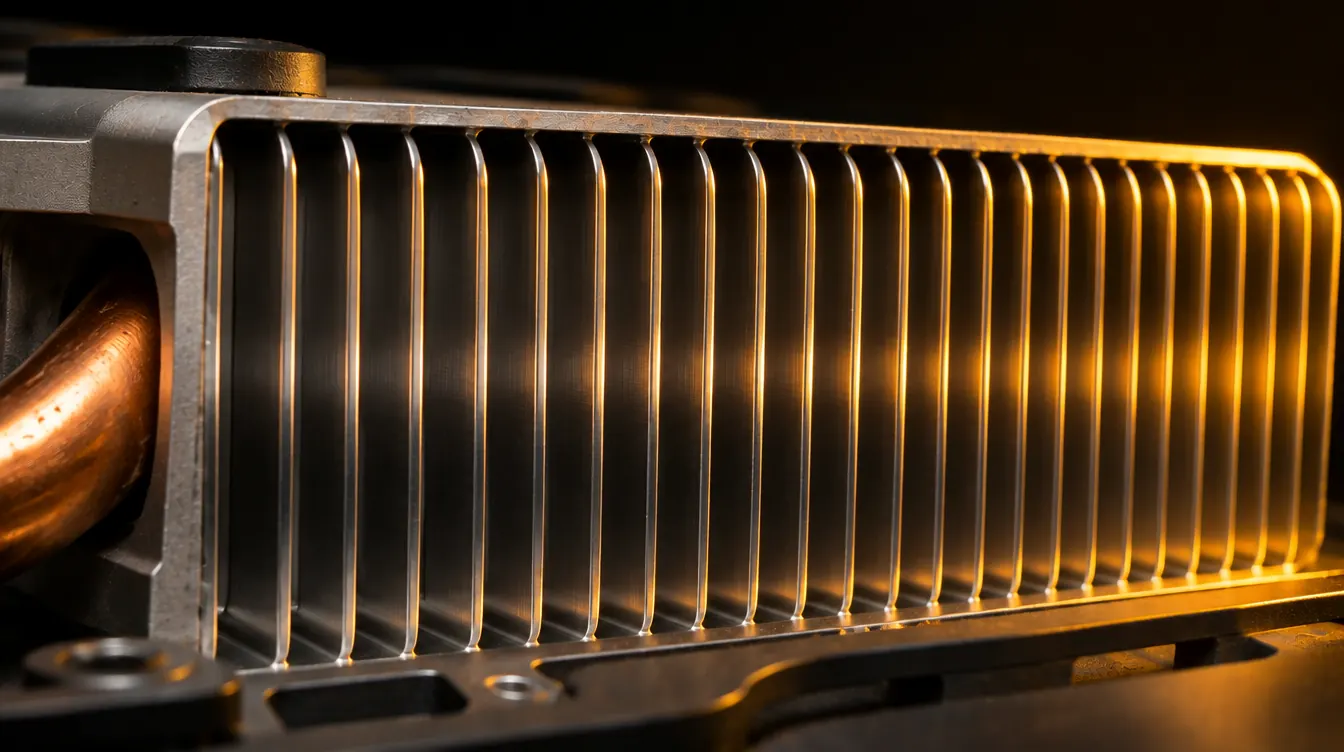
A three-year-old gaming laptop from Rajagiriya. Thermal throttling at 94°C, fan at full tilt, frame rate halved. Strip-down, heatsink wash, fresh paste and pads. Same machine, same stress test, same afternoon.

0°C
Peak temp drop
0%
Quieter under load
0.1×
Sustained clocks
Heatsink fins choked with dust
The same heatsink fins after cleaning
94°C Before · 3 yrs of dust 61°C After · 90 minutes
❮❯

Drag the bar · real job, 11 Nov 2026

Sound familiar?  /  06

Four problems we fixalmost every day

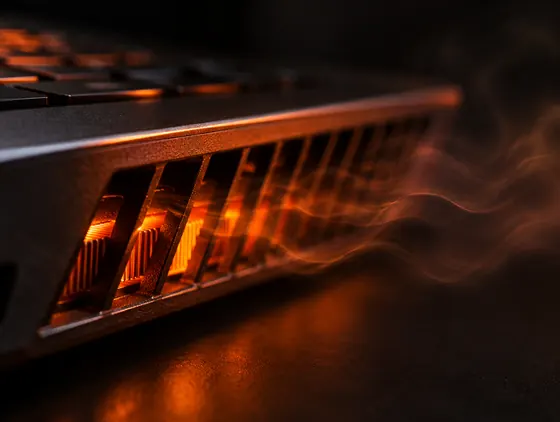
Heat haze rising from a laptop vent
Symptom 01

Overheating & throttling

  • Games drop frames after 10 minutes
  • Laptop too hot to keep on your lap
  • Random shutdowns under load
Deep clean + repaste90 MIN ON SITE
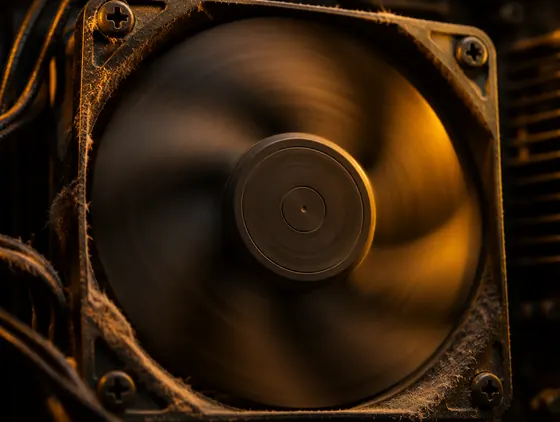
Computer fan spinning at speed
Symptom 02

Fan noise like a hairdryer

  • Constant whine even when idle
  • Rattle or grinding on startup
  • Bearing worn or blade unbalanced
Clean or fan swap60 MIN ON SITE
Monitor showing a loading spinner
Symptom 03

Slow boot, slow everything

  • Two minutes to reach the desktop
  • Spinning on a hard drive from 2015
  • Ten things launching at startup
SSD + migration75 MIN ON SITE
Unlit laptop power button in darkness
Symptom 04

Dead — won't power on

  • No lights, no fan, nothing
  • Powers on then cuts out
  • Liquid damage or a bad PSU
Free diagnosis firstNO FIX, NO FEE
From the van  /  07

What a visitactually looks like

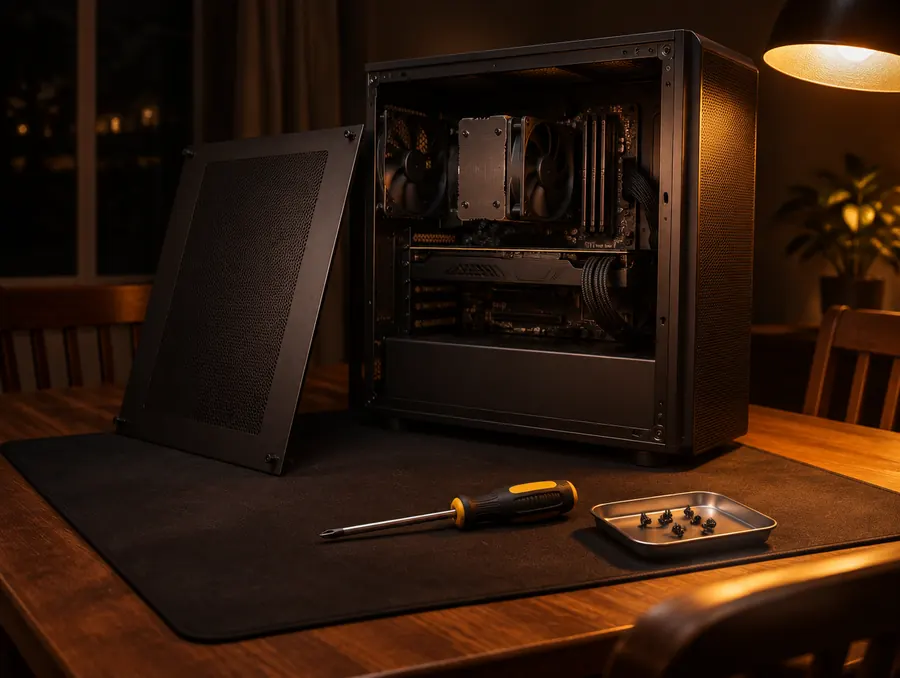
Work mat and PC side panel on a dining table STEP 01 · 00:12Mat down,
panels off
Cleaned heatsink fins STEP 02 · 00:28Heatsink washed
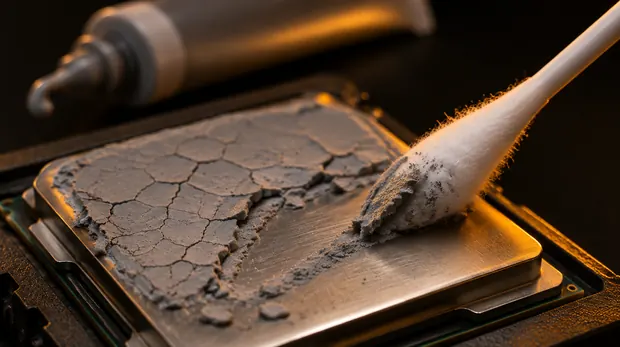
Old thermal paste being wiped from a processor STEP 03Paste
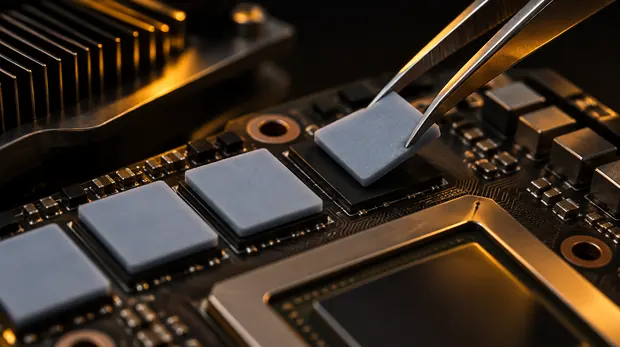
Thermal pads being fitted with tweezers STEP 04Pads
Reassembled laptop running a performance test STEP 05 · 01:26Stress test & sign-off
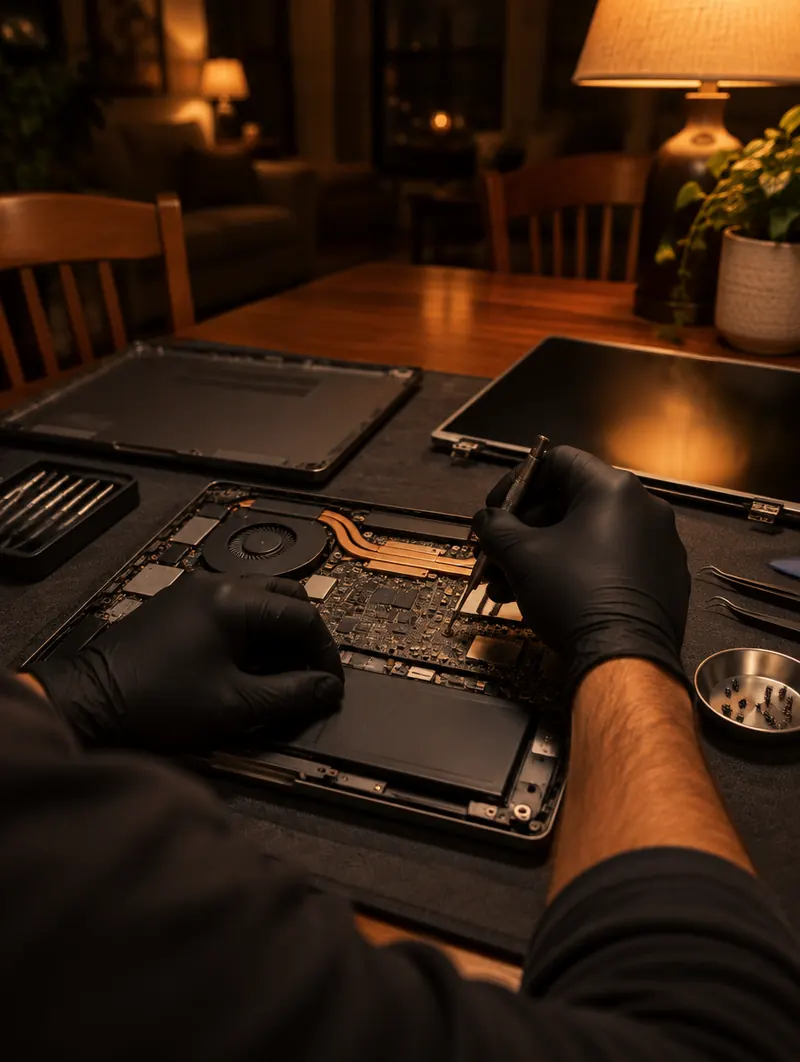
Technician working on a laptop at a dining table
300+ machines, 4.9 average
“I was quoted three days at a shop in Unity Plaza. Easyfix came to the apartment at 6pm, had the thing apart on a mat on my dining table and showed me the temperature graph before and after. It's been silent for two months.”
Free advice  /  08

Notes fromthe workbench

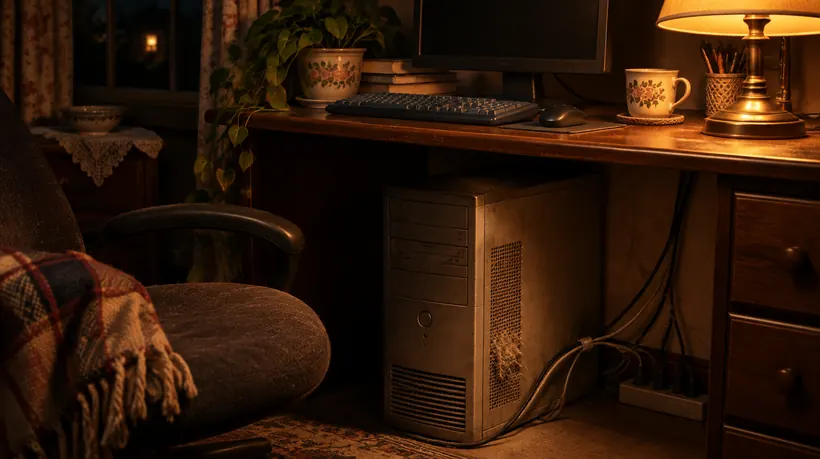
Dusty desktop computer under a home desk
18NOV
Maintenance3 min

How often should a PC in Colombo actually be cleaned?

Humidity plus road dust means a desktop here clogs roughly twice as fast as one in a dry climate. Here's the honest schedule.

Read it
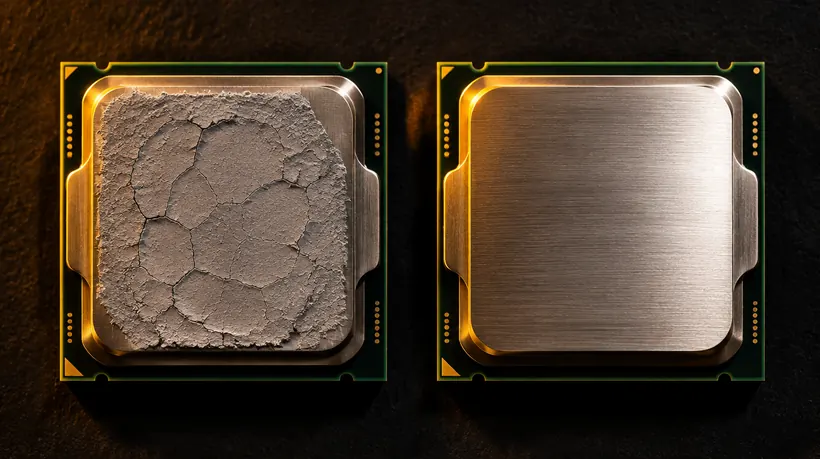
Two processors, one with old paste and one cleaned
09NOV
Cooling5 min

Thermal paste: when it matters and when it's a sales pitch

Repasting a two-year-old laptop can win you 20°C. Repasting a six-month-old one wins you nothing. How to tell which you have.

Read it
A solid state drive and memory module on a closed laptop
27OCT
Upgrades4 min

The small upgrade that beats buying a whole new laptop

An SSD and a RAM bump will make a 2019 machine feel current for a fraction of a replacement. What to buy locally, and what to skip.

Read it
Book a visit  /  09

Tell us what it's doing.We'll come to you.

Fill this in and it opens WhatsApp with the details already written. Or just call — someone picks up between 8am and 8pm, seven days.

No deposit. We quote before we open anything. No fix, no fee.

Before you book  /  10

The questionseveryone asks

Do you really work at my house?

Yes — that's the whole business. We bring a work mat, an anti-static kit, a blower, a vacuum, paste, pads and tools. A dining table or a desk is all we need. Nothing leaves your house unless a part has to be ordered, and even then you keep the machine.

How long does a visit take?

A Refresh is about 45 minutes. A full Deep clean with a repaste is around 90. Repairs run two to three hours depending on the fault. We give you a time window when you book, and a text when the technician is on the way.

What if you can't fix it?

You pay nothing. Diagnosis is free and we only charge once the machine is working. If a part is beyond economical repair we'll tell you straight instead of selling you a repair that isn't worth it.

Is my data safe?

We don't wipe anything without written permission, and we don't take drives away. For OS reinstalls we back your data up to your own external drive in front of you first. You watch the entire job.

Which areas do you cover?

Free call-out across Colombo District — Colombo 1–15, Kotte, Rajagiriya, Battaramulla, Nugegoda, Dehiwala, Mount Lavinia, Maharagama, Malabe, Kaduwela, Moratuwa. Outside that there is a small travel fee. Ask us anyway.

Do you warranty the work?

90 days on labour and on any part we supply. If the same fault returns inside that window we come back free. Parts bought elsewhere carry their own seller's warranty.

Call Book a visit